Under Applications → Test Dashboard (Machine to Machine) im getting this options
Under APIs → Auth0 Management API (System API) im getting this options only
Under Social Connections → Applications using this connection. already enable
API Explorer Application
Machine to Machine
and
Test Dashboard
Machine to Machine
but still not able to see social icons at login page
After looking into your settings, the issue seems to be that the Google social connection button is missing from your customized Login page.
There are three options you could choose to add the Social Connection button back:
Use the Universal Login instead of the Classic Login page, and use the Universal Login Customisation
The Recommended Experience is to use the Universal Login and to use the built-in customization option
While this is the most limiting option in terms of customization features, it is the easiest to implement and the most secure
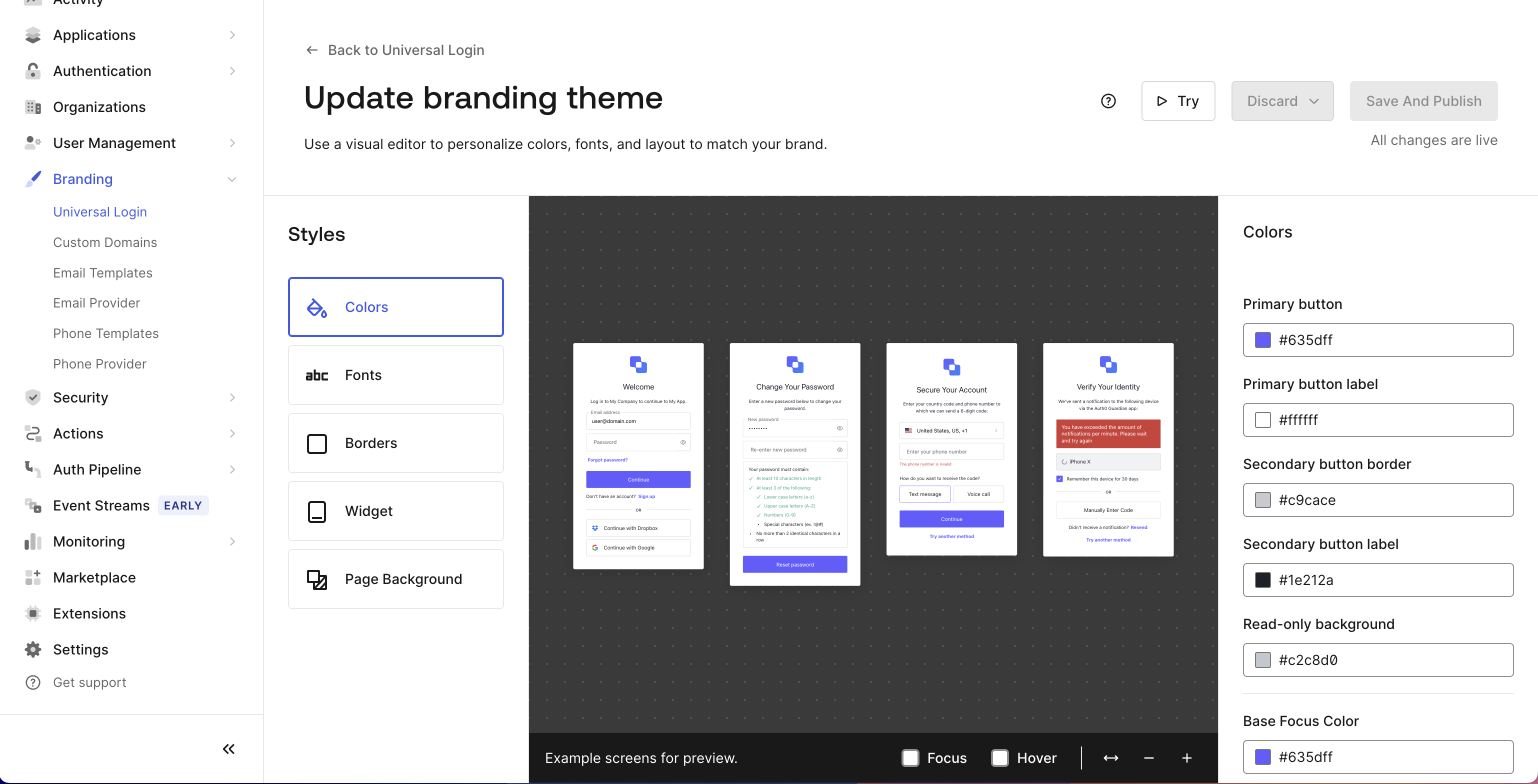
To re-enable the New Universal Login Experience, go to Branding > Universal Login, scroll down to Manage Classic Login, go to the Login tab, and disable Customize Login Page.
Add the Google Login button to your Classic Login page’s HTML
If you wish to keep using the Classic Login page, this option requires the least amount of effort
In your customized Classic Login page, you must modify the HTML and write the button code yourself. The JavaScript function for the Google Social Connection is already there. You need to match the button’s ID with the button the function is searching for.
Create a custom Login Page in HTML and CSS and use the auth0.js library
If you choose this option, you will have to write a custom Login Page in your application and call the login functions from within the auth0.js library
This option will give you great security and the most customization freedom, but it is also the most time-consuming to implement.
If you have any questions, feel free to reach out!