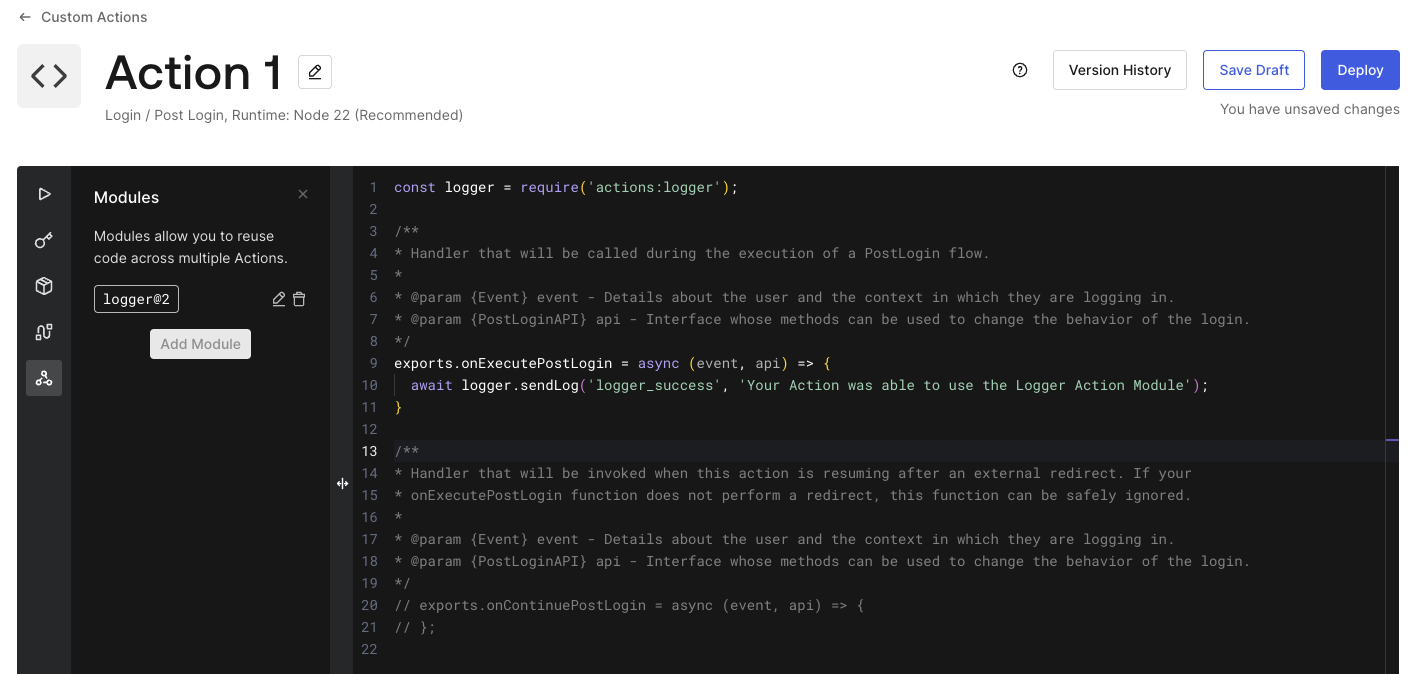
Hi @gerald.czifra and thanks for your answer!
I understand that you are looking for a version control option in the action module when using auth0-deploy-cli.
Yes, if I could also put it in another way: I would like to automate the box that appears on this screen (from this page) that reads “Outdated modules were detected. Available updates: 1” and then a button that says “Update All”.
Now, regarding your proposal, I couldn’t get it to work because first the AUTH0_KEYWORD_REPLACE_MAPPINGS does not support numbers (there isn’t even a mention about numbers in the whole page, just strings, objects and arrays) and the yaml configuration for auth0-cli the attributes latest_version_number and module_version_number on the actionModules and actions respectively only support numbers.
For example, when using the following:
module_version_number: '##MODULE_LOGGER_VERSION##'
# or
module_version_number: ##MODULE_LOGGER_VERSION## # (without quotes)
# or
module_version_number: @@MODULE_LOGGER_VERSION@@ # using the @@
Then I get the following from the deploy-cli:
error: Schema validation failed loading [
{
"keyword": "type",
"dataPath": ".actions[8].modules[0].module_version_number",
"schemaPath": "#/properties/actions/items/properties/modules/items/properties/module_version_number/type",
"params": {
"type": "number"
},
"message": "should be number"
}
]
Second: the deploy-cli apparently first deploys actions and second modules. Even if I do the following:
actionModules:
- name: logger
all_changes_published: true
code: ./logger/index.js
latest_version_number: 12 # NOTE THE VERSION IS THE SAME AS THE ACTION BELOW
actions:
- name: LoginCustomTokens
code: ./actions/LoginCustomTokens/index.js
deployed: true
runtime: node22
status: built
supported_triggers:
- id: post-login
version: v3
modules:
  - module_name: logger
module_version_number: 12 # NOTE THIS IS THE SAME VERSION AS THE MODULE ABOVE
I will get from auth0-cli:
2026-06-08T14:35:44.245Z - error: Could not find action module version id for module 'logger' version '12'
If I could have it my way, I would love that the auth0-deploy-cli would have the option for the action to specify just “latest” version of module. It would look like:
actions:
  - name: LoginCustomTokens
    code: ./actions/LoginCustomTokens/index.js
    deployed: true
    runtime: node22
    status: built
    supported_triggers:
      - id: post-login
        version: v3
    modules:
      - module_name: logger
        module_version_number: latest
And this way I know that if I deploy a new module version, it will automatically update the dependencies using it to that new version. Or at the very least have the second problem I mentioned fixed so that I can synchronize the versions together.