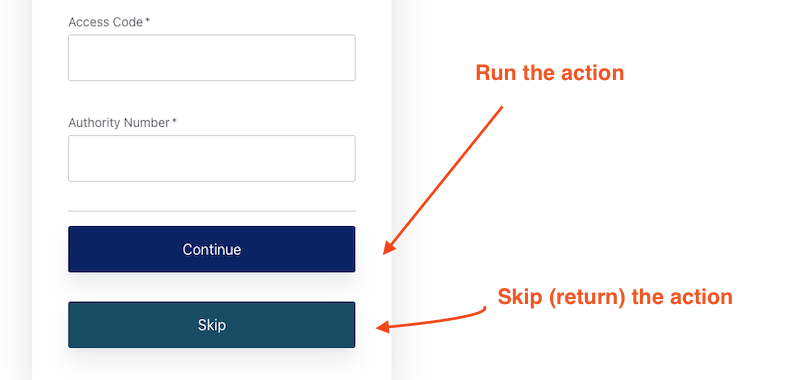
I have a form with 2 buttons. I need to run the associated action with ‘Continue’, the other is a ‘Skip’ button that i need to skip all the logic in the action.
How can this be acheived? I have tried this.. But there is no reference.
  const action = event.request.body?.action;

  if(action === 'skip'){
    return;
  }
Hi @kurt.dunn
Thank you for reaching out to us!
Based on the Forms behaviour that you wish to accomplish, I believe that the appropriate block to be used would be the " Jump button ", more information on these can be found in the following documentation Nodes and components
Hope this helped!
Gerald
@gerald.czifra
I will be more specific.
There is no flow in the form. The only step is the desination node.
All the logic happens in the action because flows do not have enough detail for our business logic.
How can I tell the buttons apart from within the action?
Hi @kurt.dunn
I am sorry for the delayed response to your topic.
Unfortunately, Gerald is not available at this time. Regarding the issue that you are experiencing, unfortunately, you are not able to detect which button was specifically pressed inside the onContinuePostLogin action.
My recommendation would be to include either a Shared Variables Flow or an Update User Flow after the Skip button is clicked.
For the Shared Variables Flow, you will basically create a variable like userSkipped = true then check this value inside the action as such:
if(event.prompt.vars.userSkipped === true){
return;
}
For the Update User flow, you will do a similar thing, where you will add inside the user’s app metadata a value which you will check inside the action. You will need to make sure to set these values to valse if the Continue button is being selected otherwise in both of these scenarios.
Kind Regards,
Nik